Capture or import
Take a photo of a printed table or choose an existing image from Photos.
 Smart Mobile SolutionMOBILE APP DEVELOPER
Turn table photos and screenshots into editable spreadsheet data. Capture or import an image, review and correct the results, then save and export your table.



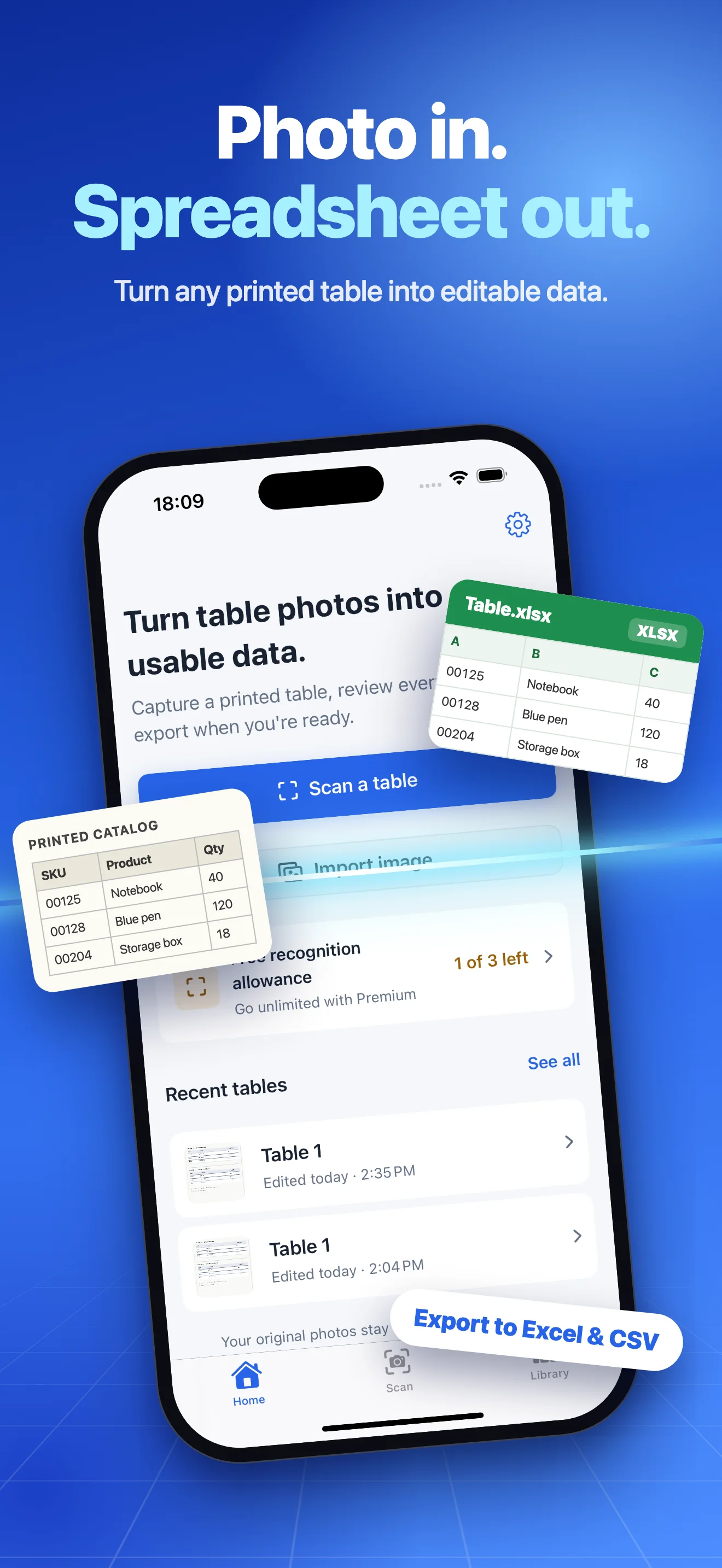
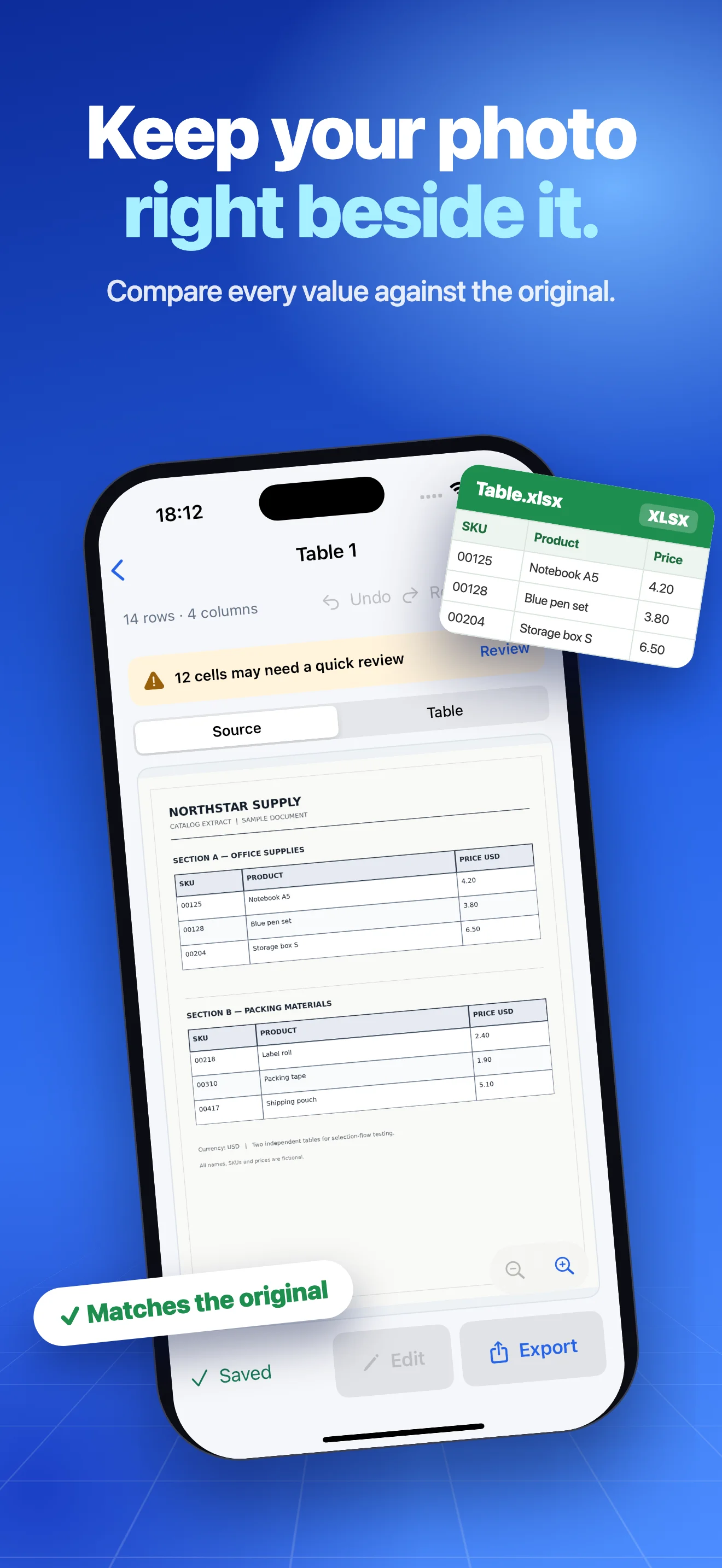
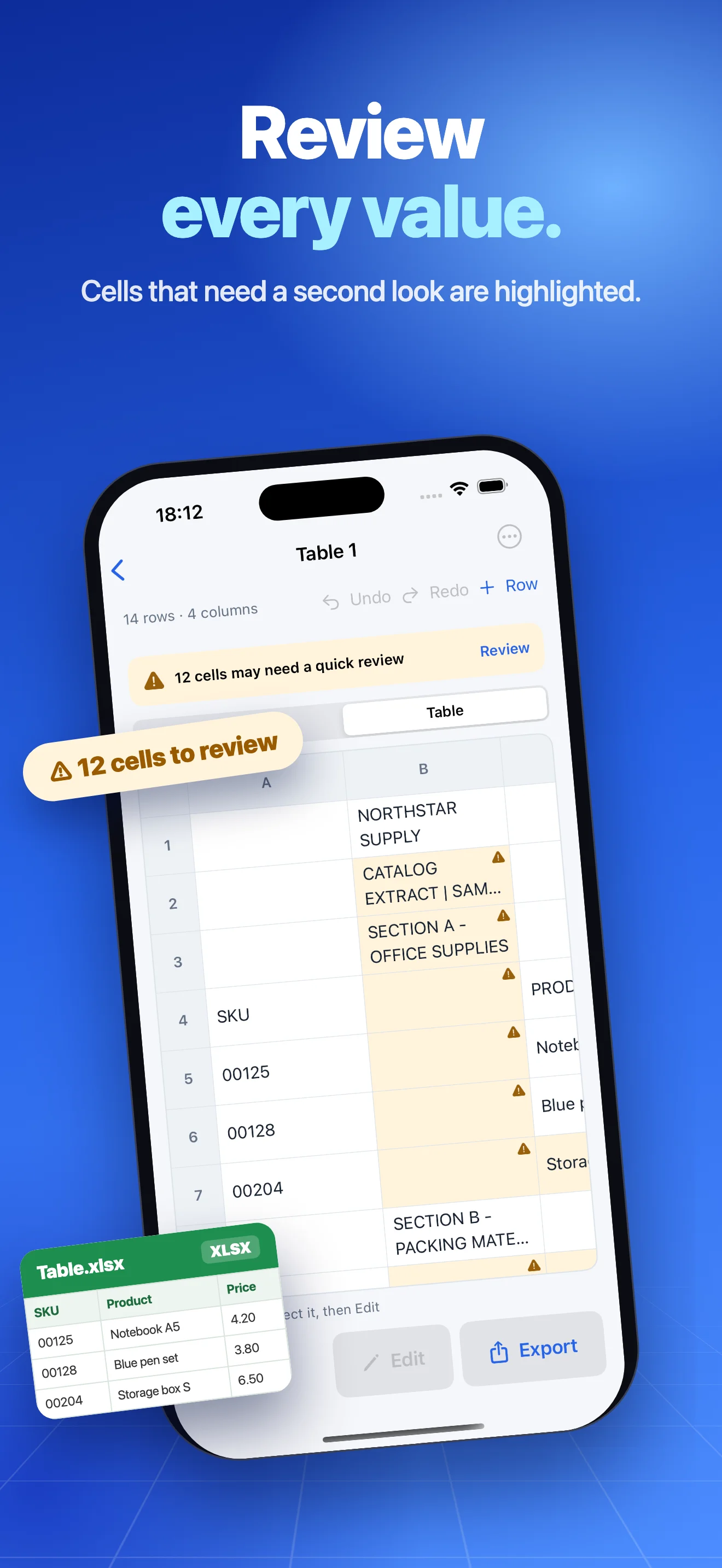
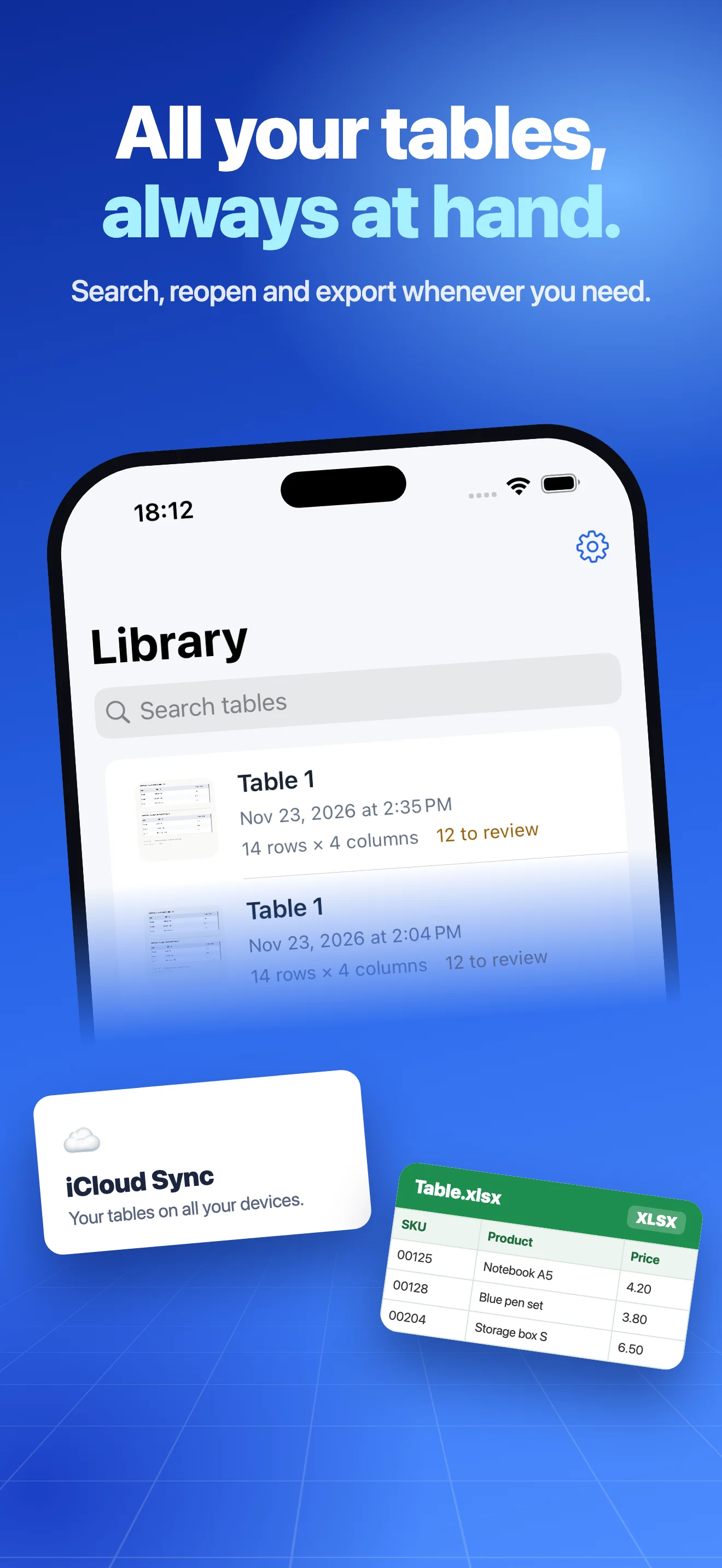
Take a photo of a printed table or choose an existing image from Photos.
Let Pictarow identify the table data in your selected image.
Check the recognized cells, correct values, and make the changes your table needs.
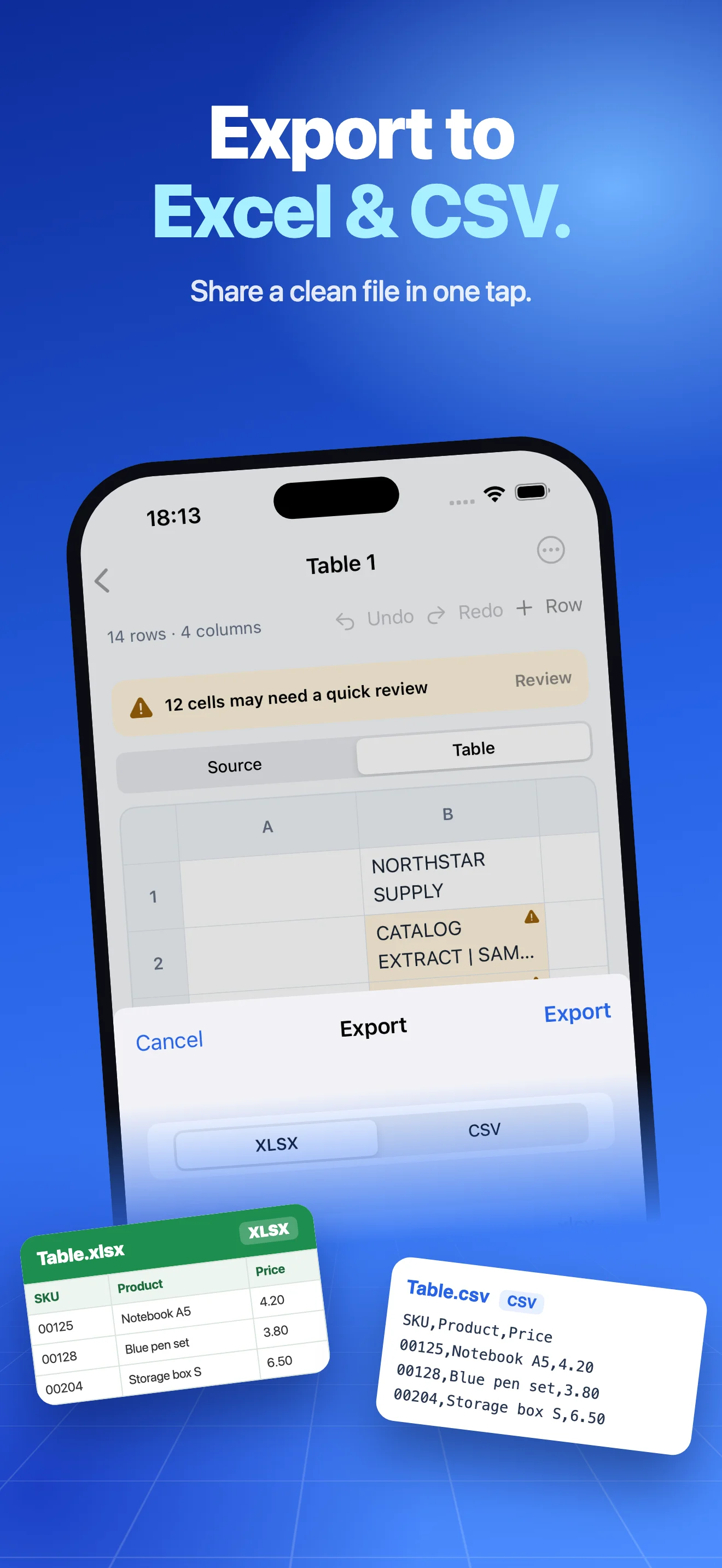
Keep your table in the Library and export it as an Excel workbook (XLSX) or CSV file.
Capture a printed table with the camera or import a photo or screenshot you already have.
If an image contains multiple tables, select the one you want to work on. Edit tables one at a time.
Review recognized values and make focused edits, with row and column actions plus Undo and Redo.
Save your tables and return to them later. Your existing Library remains available on the Free plan.
Export to XLSX by default or choose CSV. Both export formats remain available on the Free plan.
On iPad, compare the original image and editable table side by side, with a resizable divider.
Android: Recognition with ads
iOS: 3 free recognition runs for the lifetime of the app
Unlimited table recognition
iCloud Sync is an iOS feature. Subscription prices can differ by platform and country or region. Check the relevant store for the current price and billing terms before subscribing.
Read the Pictarow Privacy Policy for details about on-device table recognition, optional iCloud Sync on iOS, analytics, advertising and purchases. The Terms of Use explain recognition limitations and subscription conditions.