
01
Choose allowed apps
Review the apps installed on your phone and select which ones can be opened during Kids Mode.
 Smart Mobile SolutionMOBILE APP DEVELOPER
Help manage which apps children can access when borrowing a parent's Android phone. Choose an allowed-app list and start a time-limited Kids Mode session.

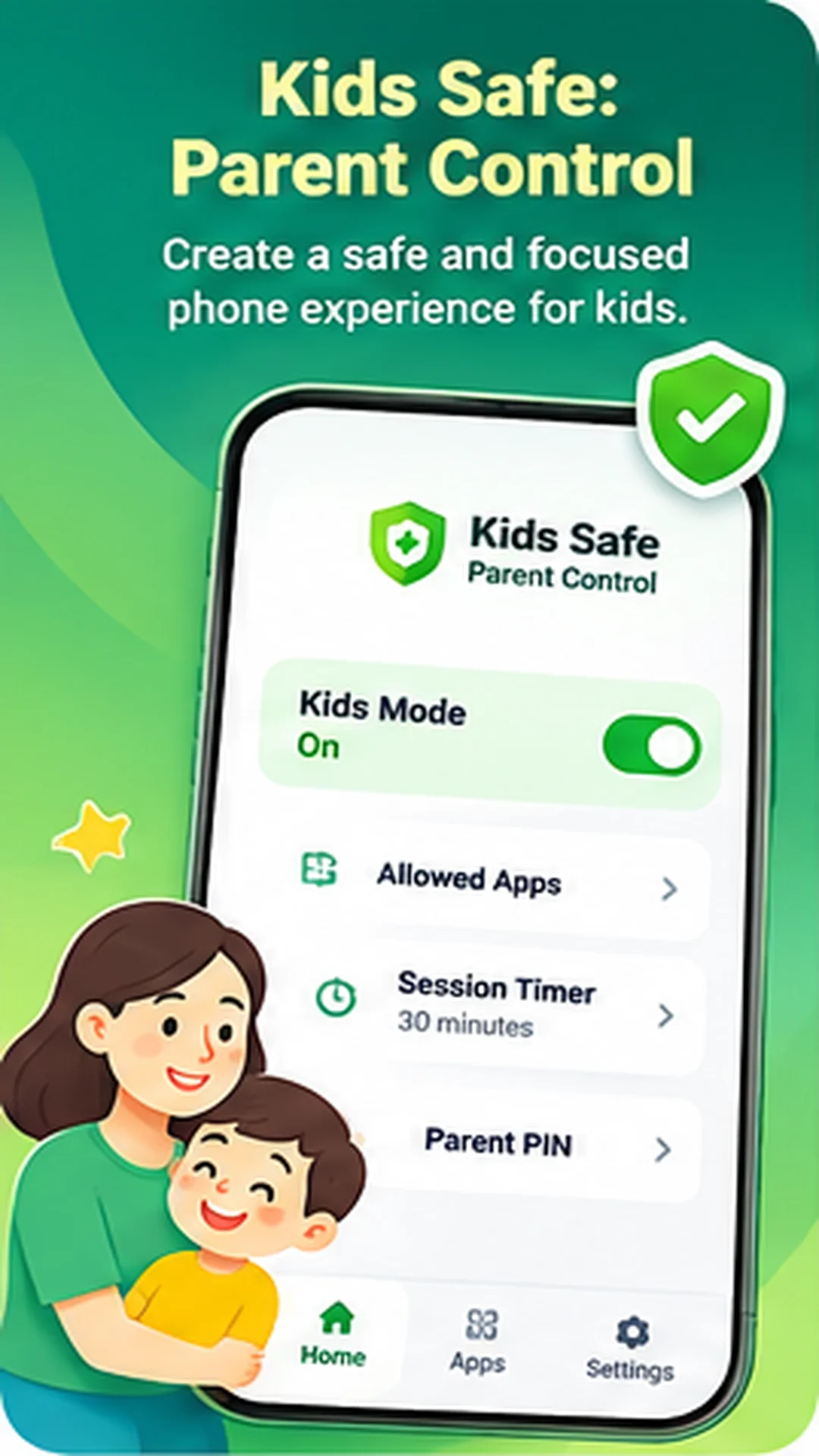
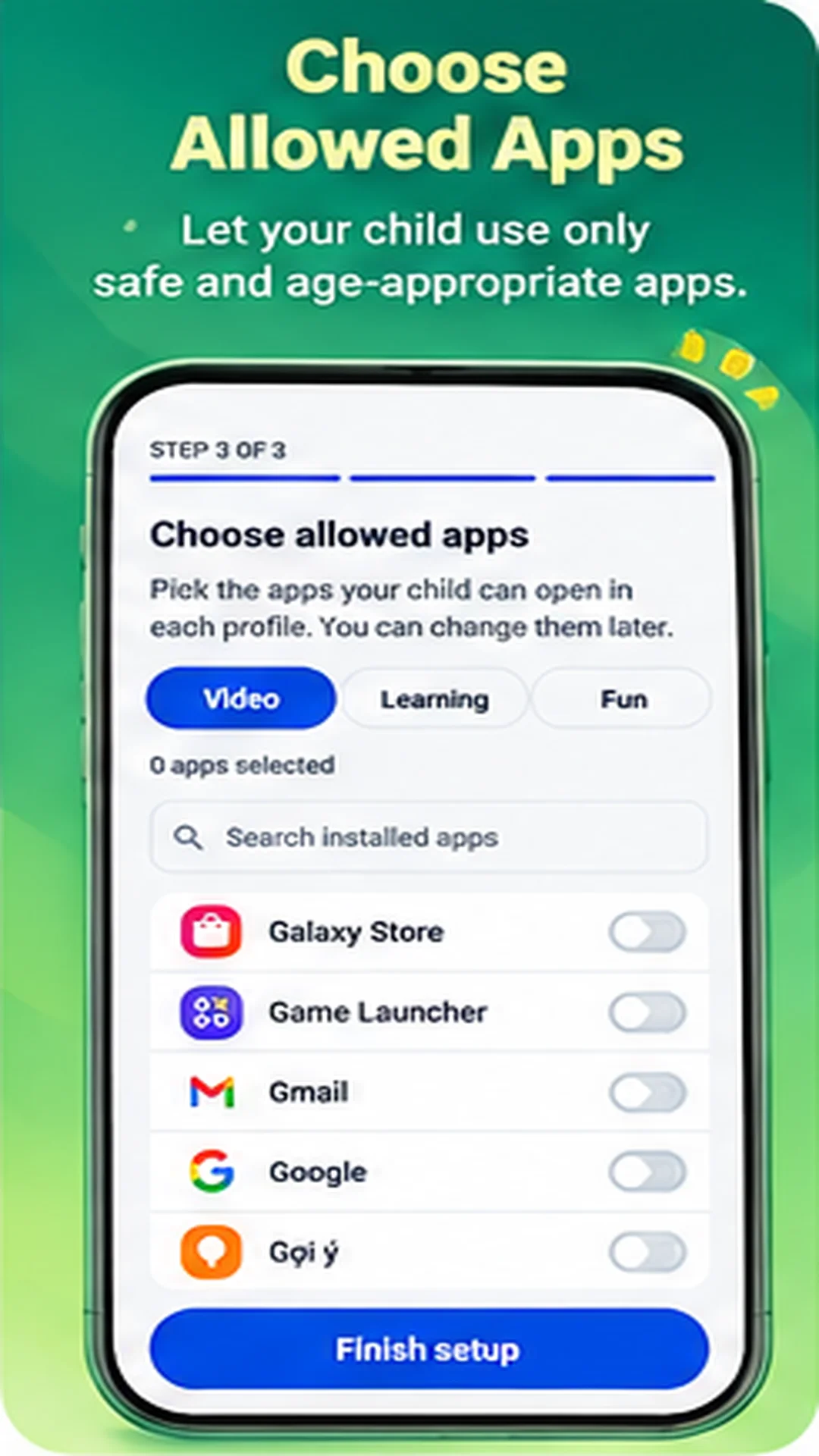

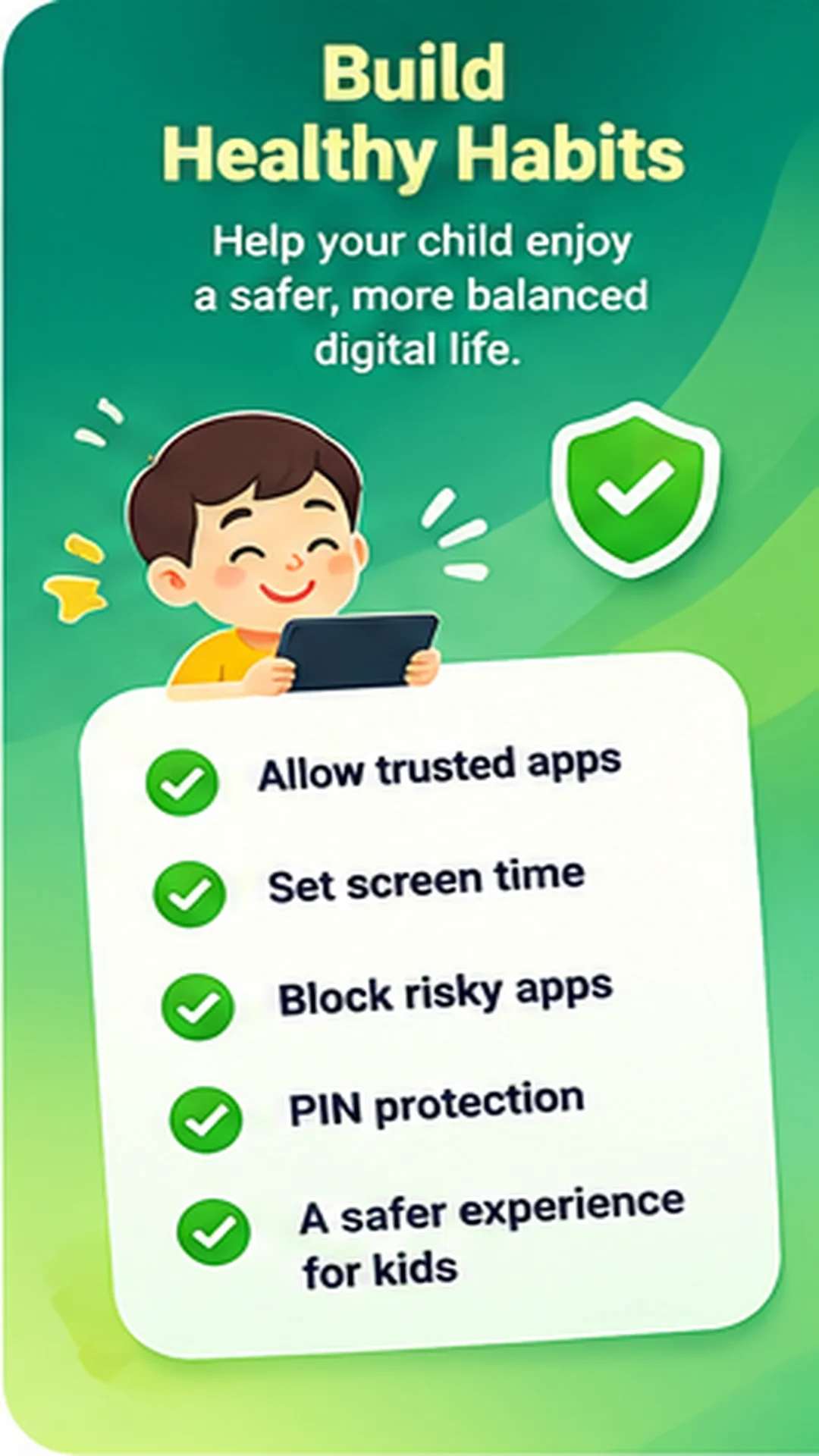
Review the apps installed on your phone and select which ones can be opened during Kids Mode.
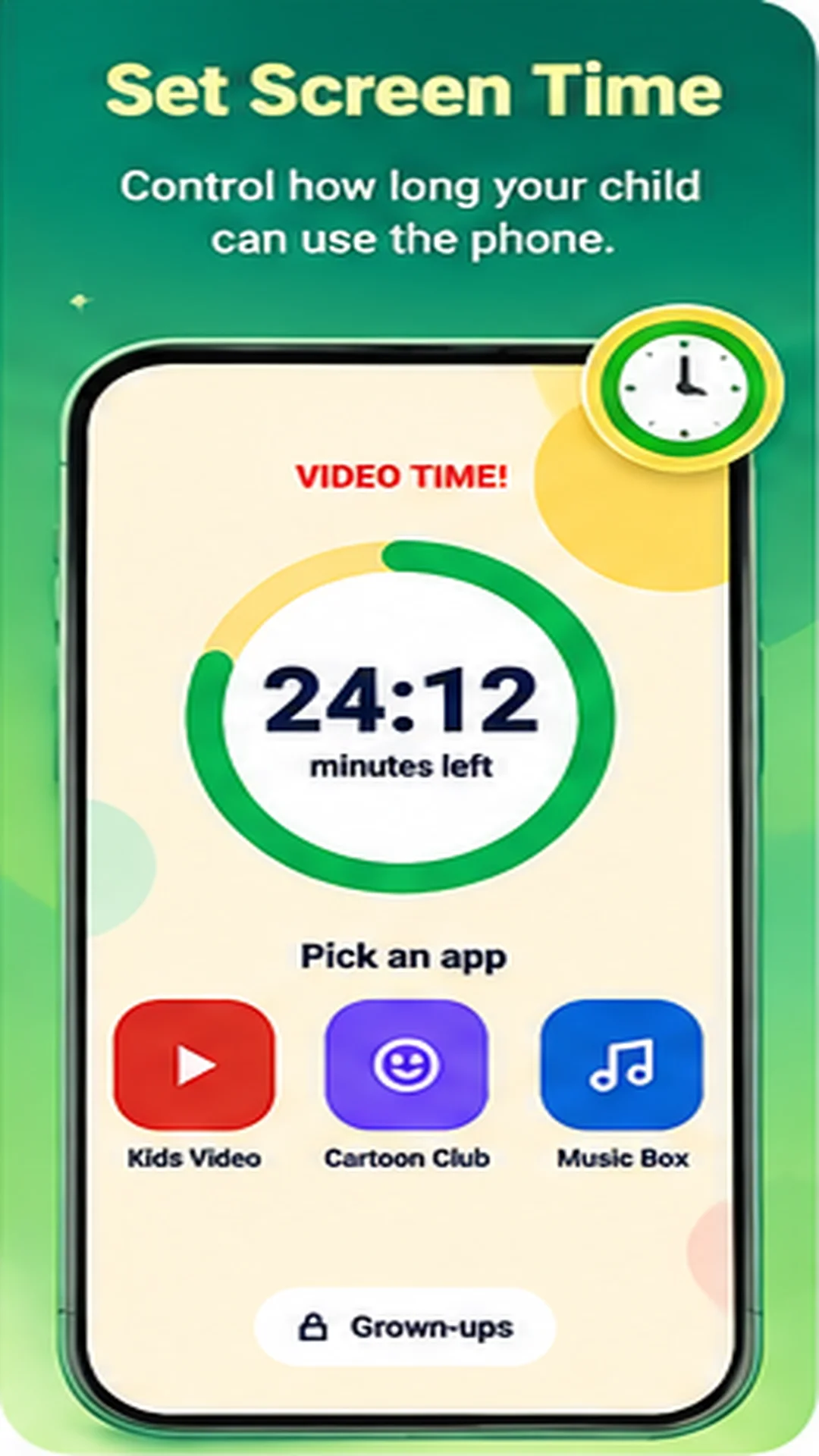
Start a Kids Mode session with a duration you choose for the time your child borrows your phone.
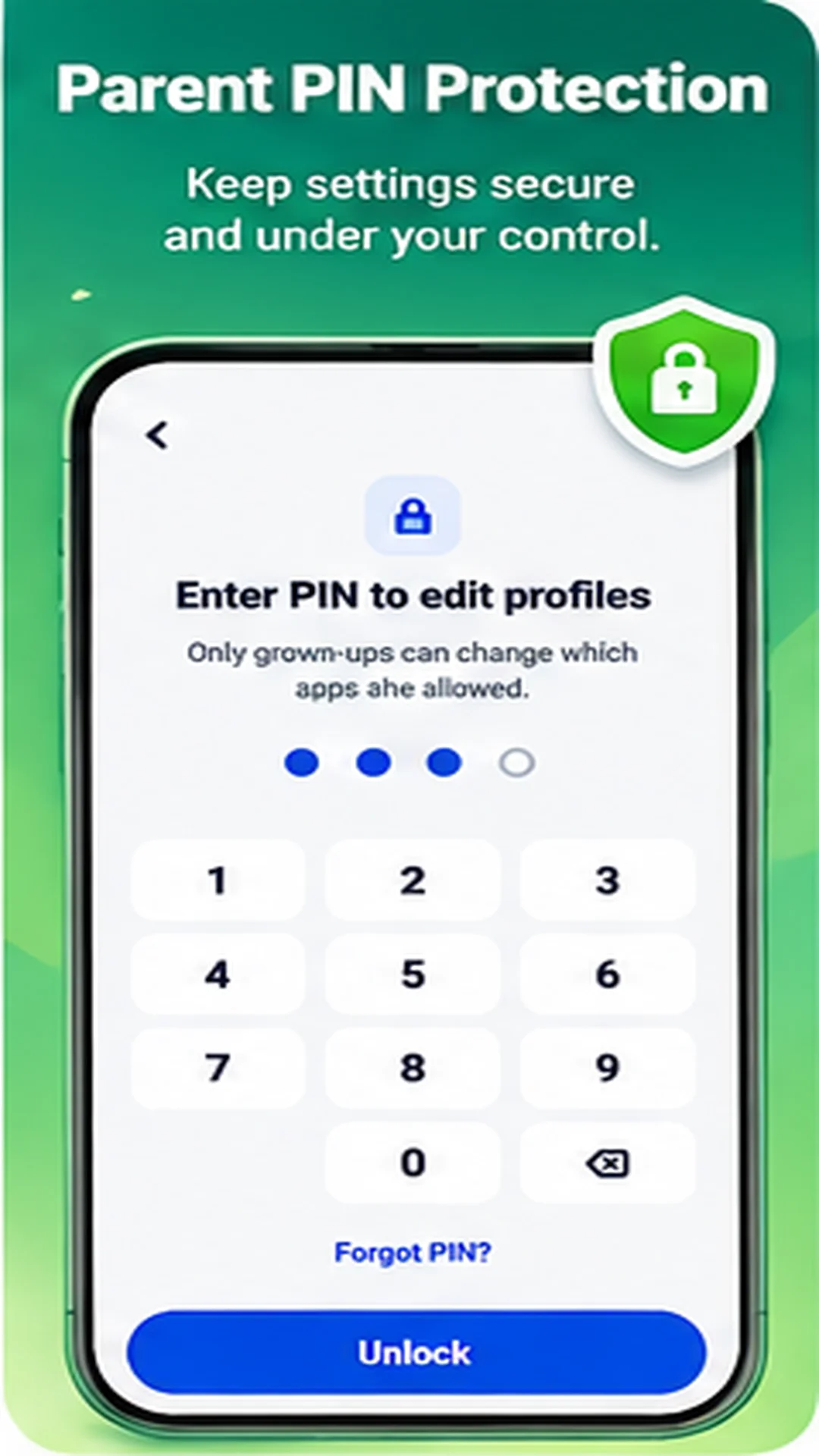
Use a Parent PIN as part of managing your Kids Safe settings and session.
Select the apps you want to make available during the session.
Choose a session duration and start Kids Mode before your child borrows the phone.
When the session ends, Kids Safe clears the session state and related session data.
Kids Safe is designed for a parent to configure and supervise Kids Mode on the parent's own Android phone when a child borrows it. V1 does not provide remote management of a child's separate device or cloud-based family pairing.
Read the Kids Safe Privacy Policy for details about on-device app controls, local settings, analytics, advertising and third-party services.